Compare desk and storage arrangements using the space you actually have. GoSpace combines a rectangular office footprint, furniture sizes, entrances and fixed obstacles into editable layout options. It is useful for a home office or a small shared workspace concept.
No account needed for local planning or downloads. Plans are conceptual.
Start with the workstations, not a seat target
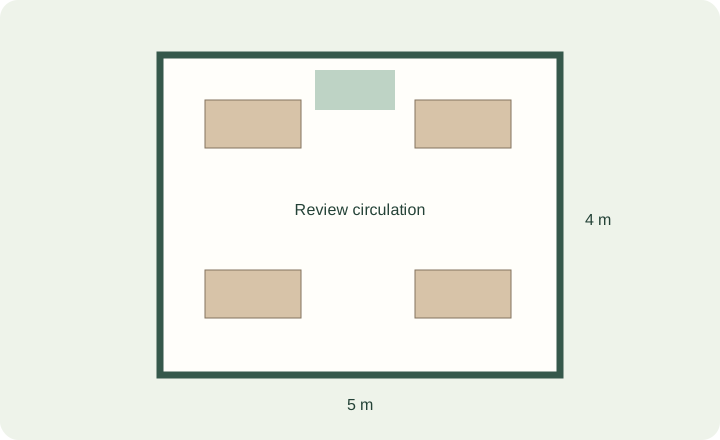
Measure each desk, chair footprint, cabinet and meeting table. A 1.2 × 0.6 m desk occupies 0.72 m²; four such desks occupy 2.88 m². That number excludes chair movement, access, storage doors and shared space. A desk-area calculation cannot establish how many people may safely occupy an office.
Compare arrangements against the same requirements
Keep desk counts, sizes and spacing settings constant when comparing candidates. Otherwise a plan may look more open simply because a workstation was removed. Mark must-have items as required. The generator reports if it cannot place required items under the declared constraints.
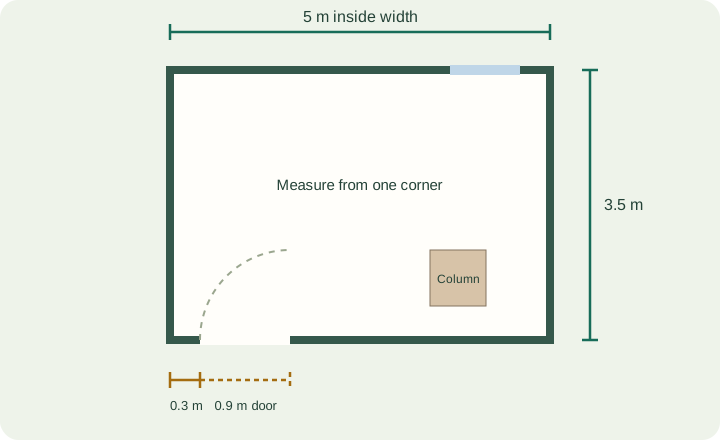
- Put entrances and fixed obstacles into the questionnaire first.
- Compare visibility, usable routes and the relationship between storage and desks.
- Use alignment and equal-spacing controls for selected unlocked objects.
- Keep alternative layouts as named versions instead of overwriting the only copy.
Use daylight as a preference, not a simulation
The daylight option is a placement preference based on declared openings. It does not calculate glare, illuminance or seasonal sunlight. Screen reflections, power, data connections and individual working needs still require your review.
Check requirements outside the planner
The app does not certify fire escape routes, workplace ergonomics, accessibility, ventilation or occupancy limits. Review the final arrangement with qualified people where those requirements apply. Use the measurement checklist and editor documentation to prepare reliable inputs.
Start from a template
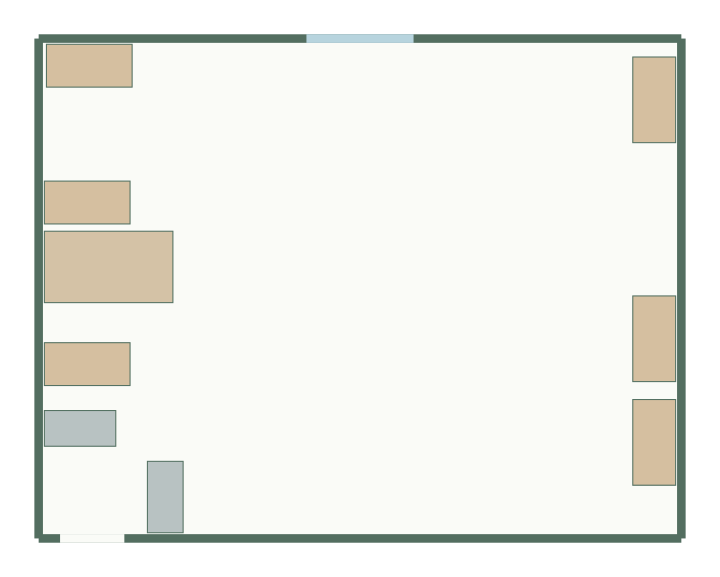
Small office layout
9 × 7 m, 63 m² · 9 furniture items
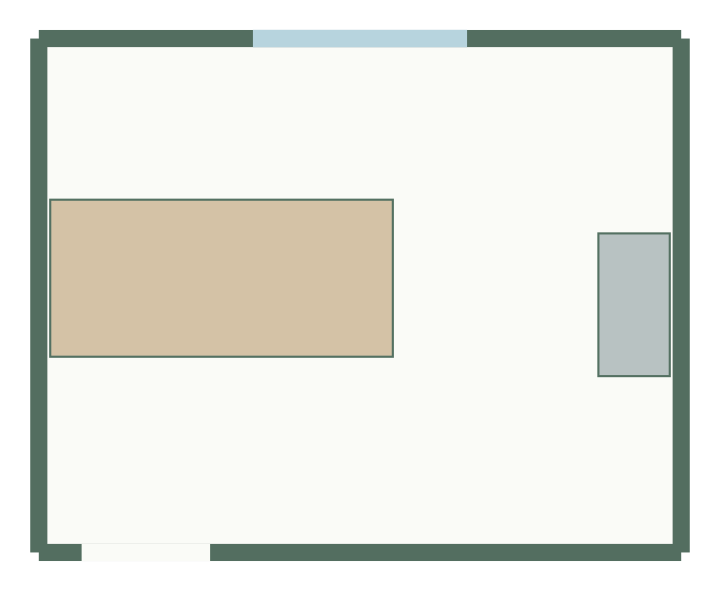
Meeting room layout
4.5 × 3.6 m, 16.2 m² · 2 furniture items
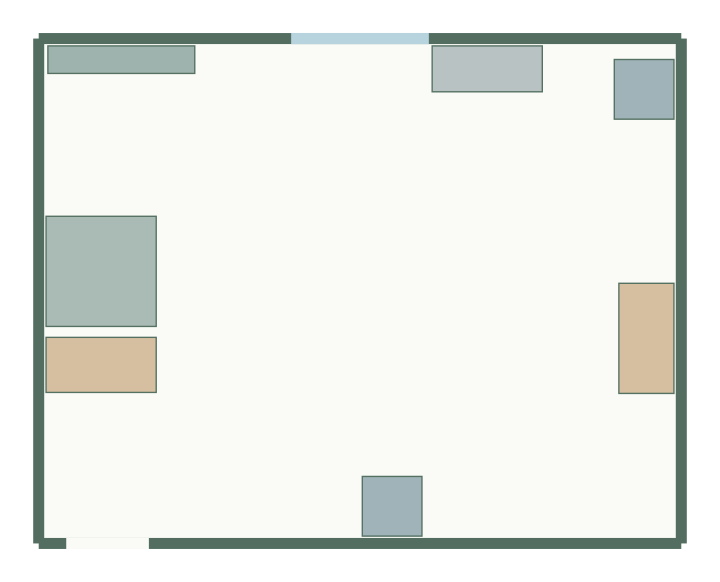
Focus office layout
7 × 5.5 m, 38.5 m² · 7 furniture items
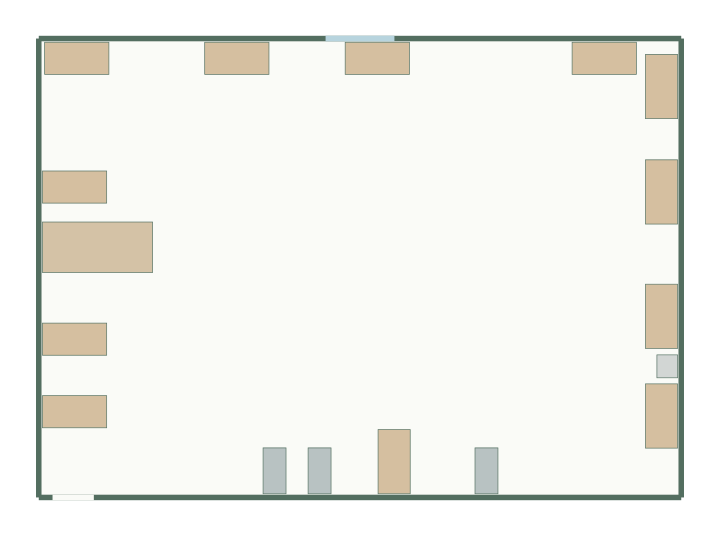
Open-plan office layout
14 × 10 m, 140 m² · 17 furniture items
Office layout planner questions
How many desks fit in my office?
Estimate first with the desk capacity calculator, then test real arrangements here. Neither sets a legal occupancy limit.
Can I plan a meeting room or reception?
Yes. Start from the meeting room, boardroom or reception templates, or list a meeting table and seating in the office questionnaire.
Is there a planner for a home office?
Yes: the home office planner starts from one- and two-desk briefs.