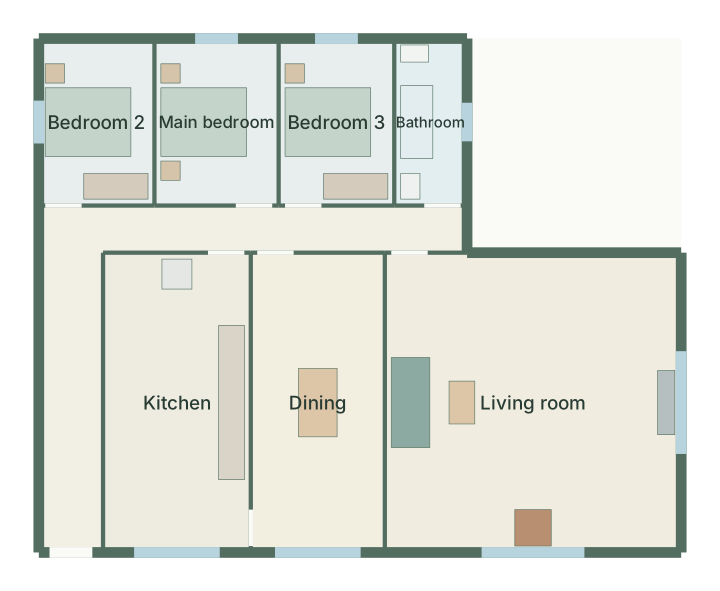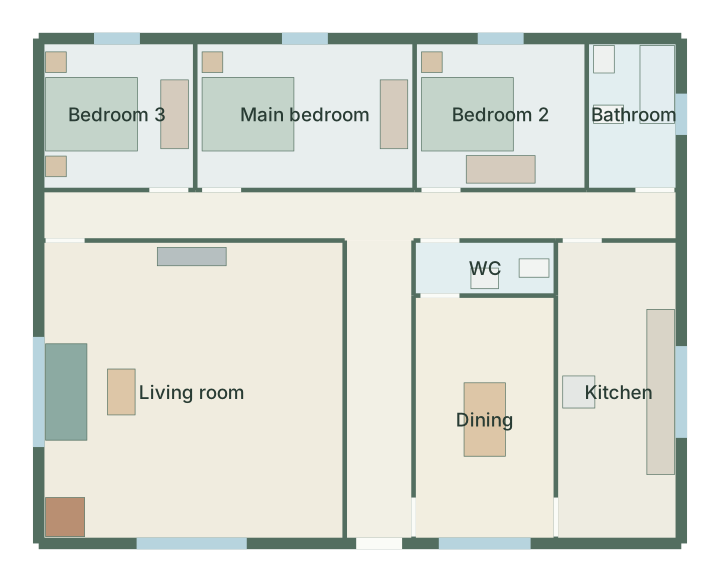
Three-bedroom family house floor plan
3 bedrooms · 154 m²
Enter your measurements and get up to three layouts to compare. Edit them in 2D, check them in 3D and export a dimensioned PDF. No signup, no download.
Not sure of the size? Browse 73 templates or plan a whole house.
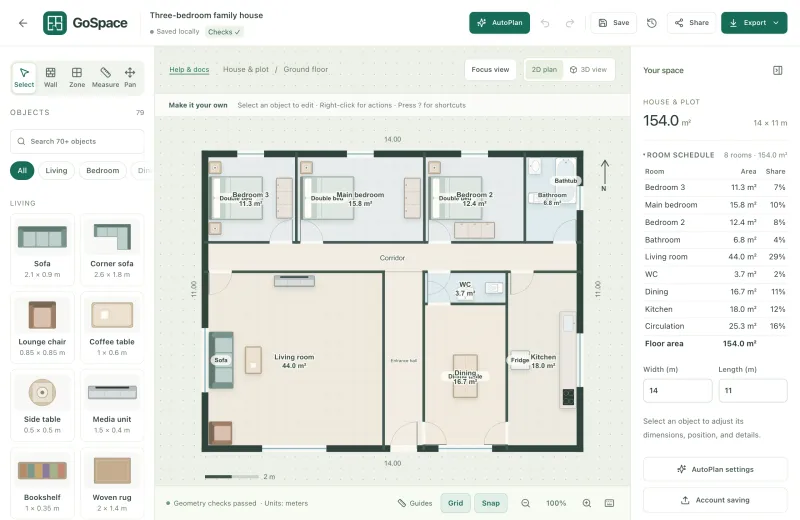
Every planner opens the same editor. Pick the questionnaire that matches your space.
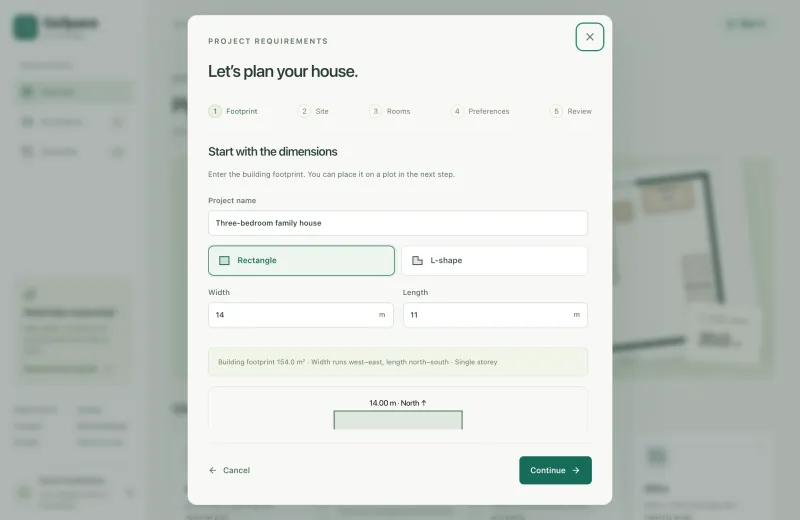
Enter the inside dimensions, doors, windows and fixed features, then the furniture, rooms or garden zones you need, at their real sizes.
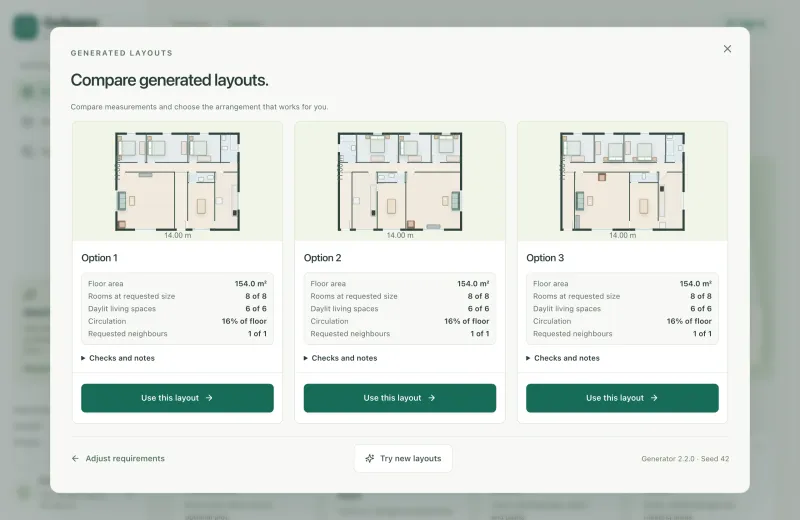
GoSpace searches for arrangements that keep clearances and access, and shows up to three options with their figures side by side.
Drag, rotate and resize with millimetre precision, check the 3D view, then export PNG, SVG, JSON or a dimensioned print sheet.
Most planners hand you an empty canvas. GoSpace starts from your brief and checks the result against it.
Items keep the clearance you set, doors keep their swing free, and required furniture is never silently dropped to make a layout fit.
Every lawn, patio and bed is reachable from the gate along a connected path network.
Setbacks define a buildable area; the footprint must fit it, and every option reports site coverage.
Keep the pieces you like, regenerate the rest, and read warnings that explain what conflicts.
Walls, doors, windows, furniture and zones with numeric sizes, snapping and alignment.
A dimensional 3D view of the same plan, with schematic furniture.
Room areas, rooms at their requested size and circulation share for house plans.
Setbacks, buildable area, driveway, terrace and gardens around the house.
PNG up to 5400 px, SVG drawing, JSON backup and a dimensioned print sheet.
Named local versions, and optional read-only share links for signed-in users.
73 measured starting points for houses, plots, rooms, offices and gardens. Open one, then change any dimension.
3 bedrooms · 154 m²
3 bedrooms · 155 m² · L-shape
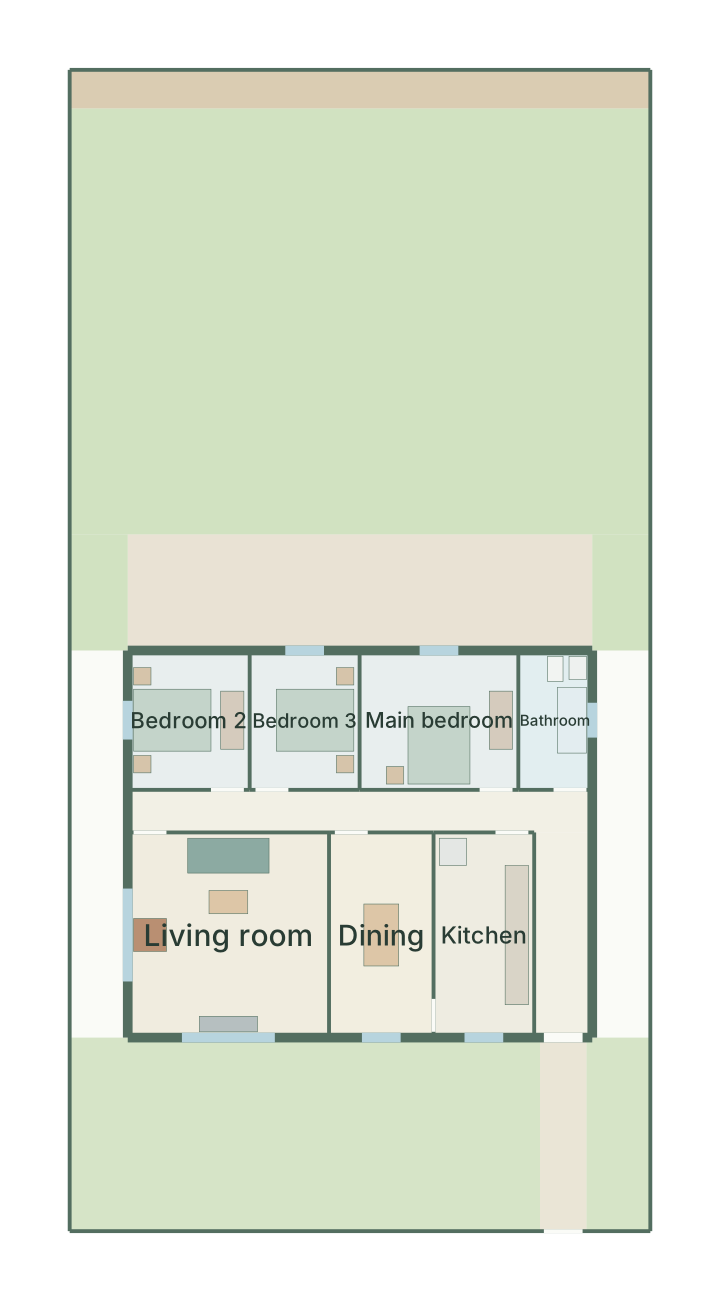
3 bedrooms · 15 × 30 m plot
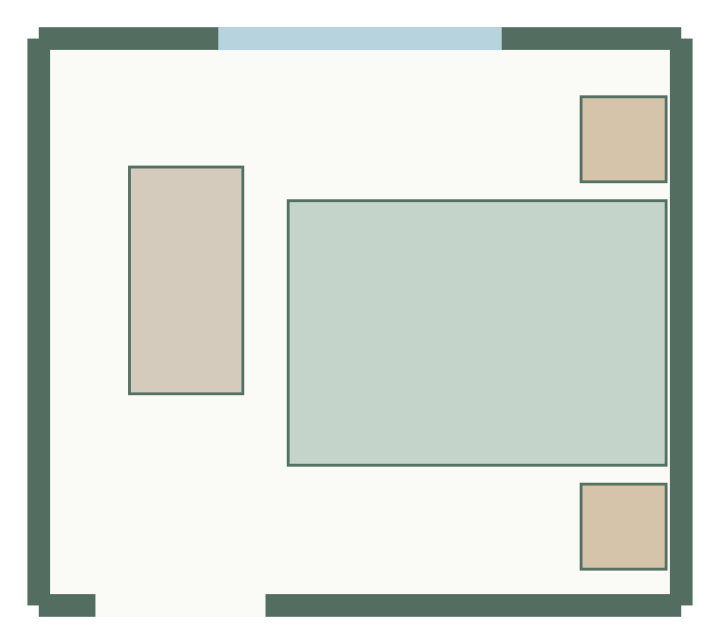
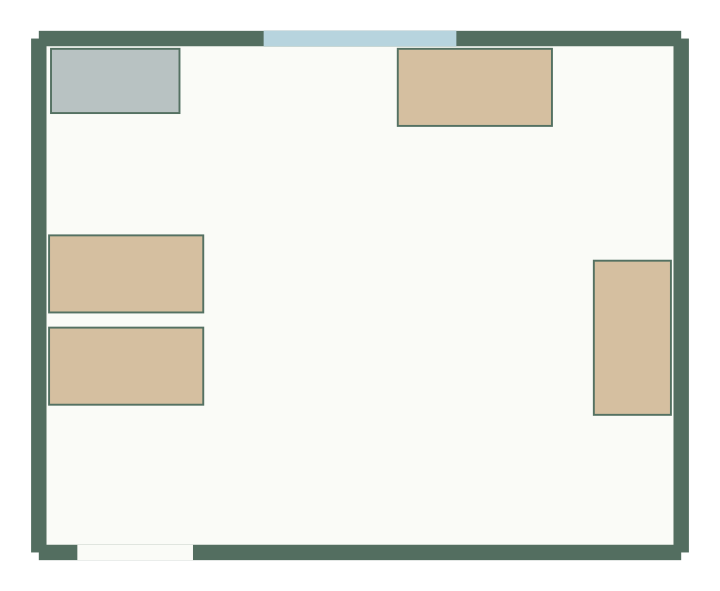
3.4 × 3 m, 10.2 m² · 4 furniture items
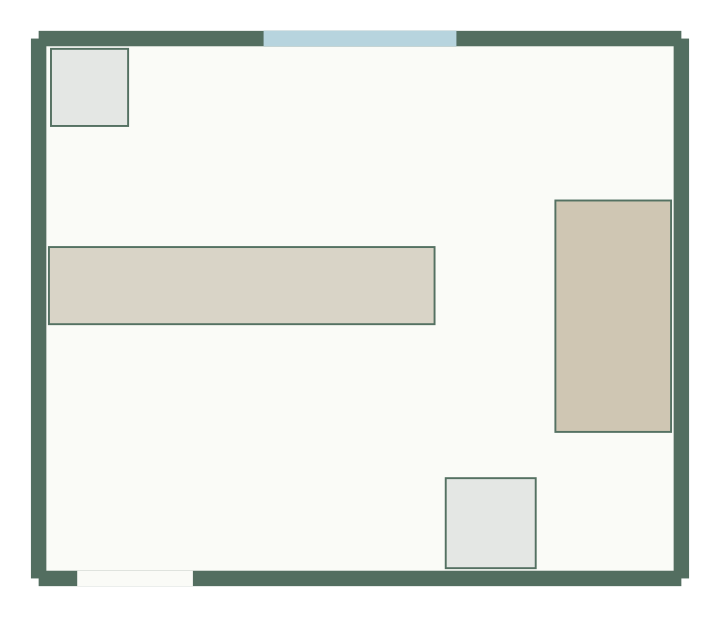
5 × 4.2 m, 21 m² · 4 furniture items
5 × 4 m, 20 m² · 5 furniture items
10 × 12 m, 120 m²
12 × 16 m, 192 m²
Check that a sofa, bed or wardrobe fits before you buy or move it.
Test whether a house could sit on a plot, and what it leaves for the garden.
Budget lawn, patio and planting areas around the paths you need.
Compare desk arrangements, storage and meeting space for a team.
Sketch quick, measured concepts to discuss before detailed design.
Your plans are yours. Nothing leaves your browser unless you choose to save it to an account.
Read the privacy policyGuest projects stay in your browser, not on our servers.
No advertising trackers and no third-party analytics.
Download a JSON backup of any project and reopen it later.
Sign in only to save projects to the server or share a read-only link.
Worked examples with the arithmetic shown, for checking a space before you plan it.
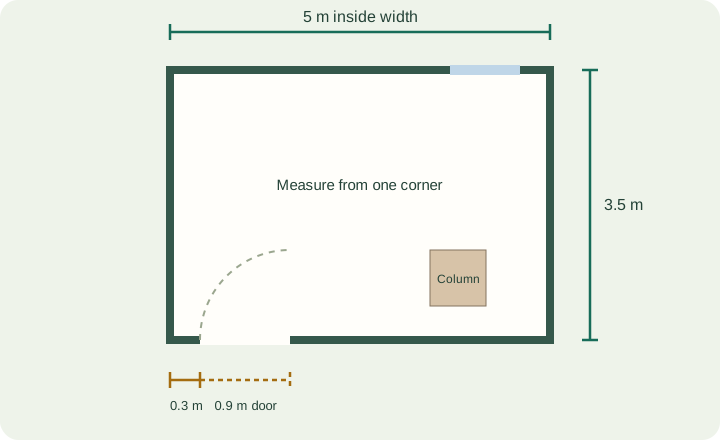
A five-step checklist for width, length, door offsets, furniture footprints and fixed obstacles.
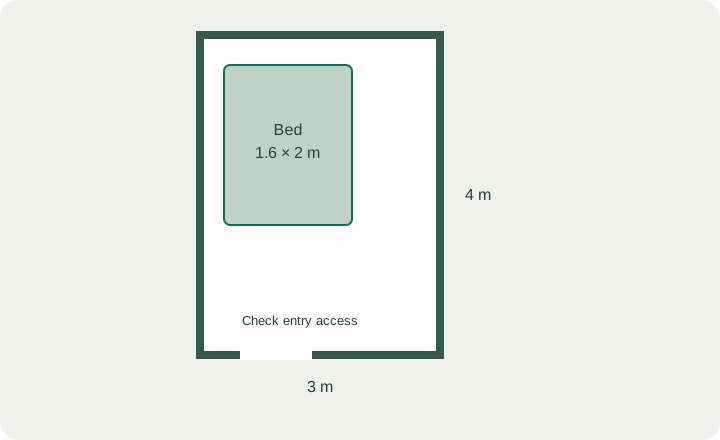
Work through a 12 m² example and see why bed size, clearance and storage must be checked separately.
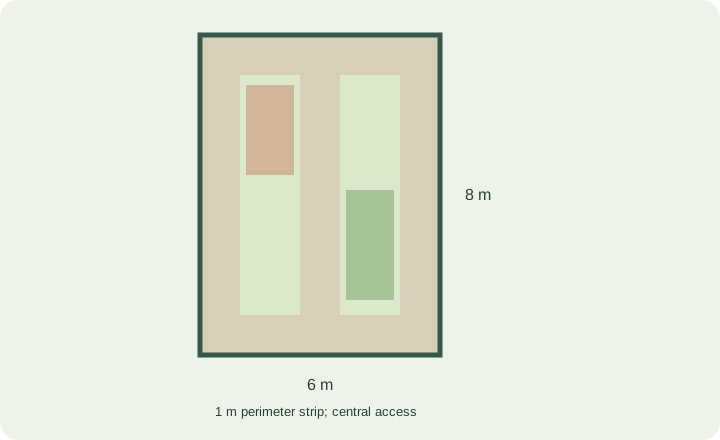
See how perimeter and central paths change a 6 × 8 m garden budget before you add zones.
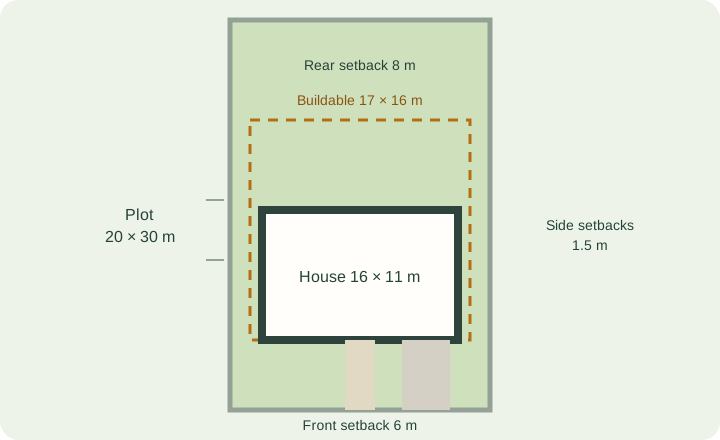
Work out the buildable area left by setbacks and check a footprint against it before you plan rooms.
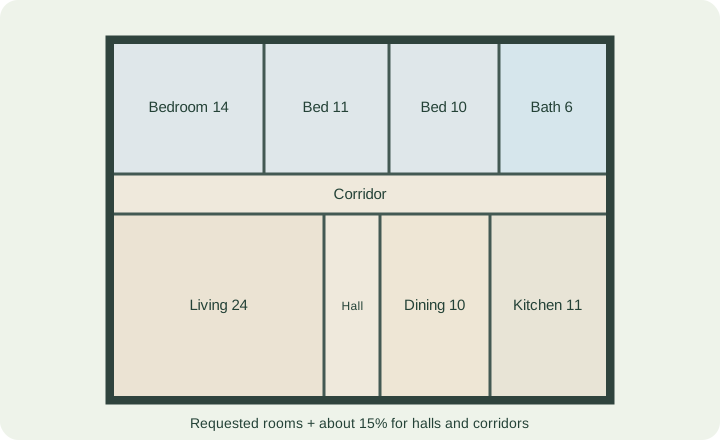
Budget a three-bedroom brief: room areas, circulation and the facade length bedrooms need.
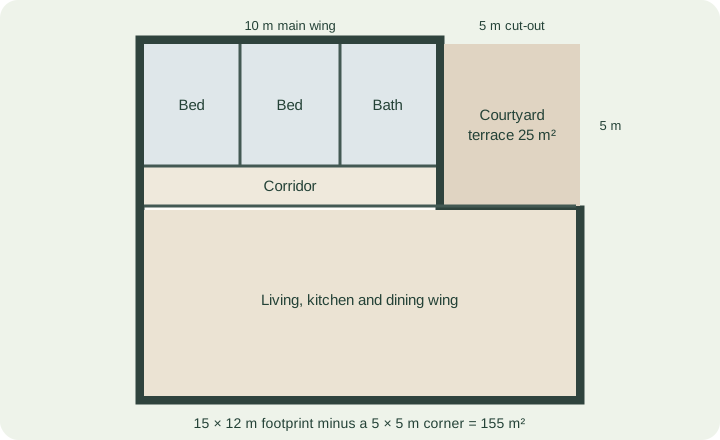
How an L-shape splits into a bedroom wing and a living wing, and what the cut-out costs and gives.
Short answers about cost, accounts, what you can plan and exports.
Yes. Planning, editing and every export are free during the beta, without an account.
No. You can plan, save locally and download without an account. Sign in only if you want projects saved to your account or a share link.
Rectangular rooms such as bedrooms, kitchens, bathrooms and living rooms; offices; rectangular gardens; and single-storey houses with rectangular or L-shaped footprints, optionally on a plot with setbacks.
Not yet. Generation covers single-storey houses and rectangular rooms and gardens. You can still edit walls and zones freely after generation.
Metric. You enter metres in the interface, and the plan is stored in whole millimetres so measurements do not drift.
Yes: PNG images, an SVG drawing, a JSON backup you can reopen later, and a dimensioned sheet with a room schedule through your browser's print dialog, which can save as PDF.
Yes. The planner runs in a modern mobile browser; a larger screen is more comfortable for detailed editing.
No. Layouts are concepts for comparing options. Verify measurements on site, and get qualified advice for building work, regulations and safety.
No account, no download. Your project stays in this browser.