
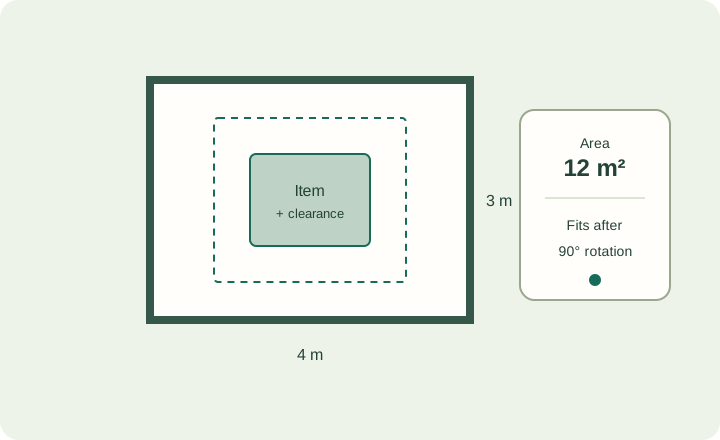
Room area and furniture-fit calculator
Check area, perimeter and whether one item plus clearance fits, in either orientation.
Quick arithmetic before you plan. Each calculator runs in your browser, states its formula and links into the matching planner.
Check area, perimeter and whether one item plus clearance fits, in either orientation.
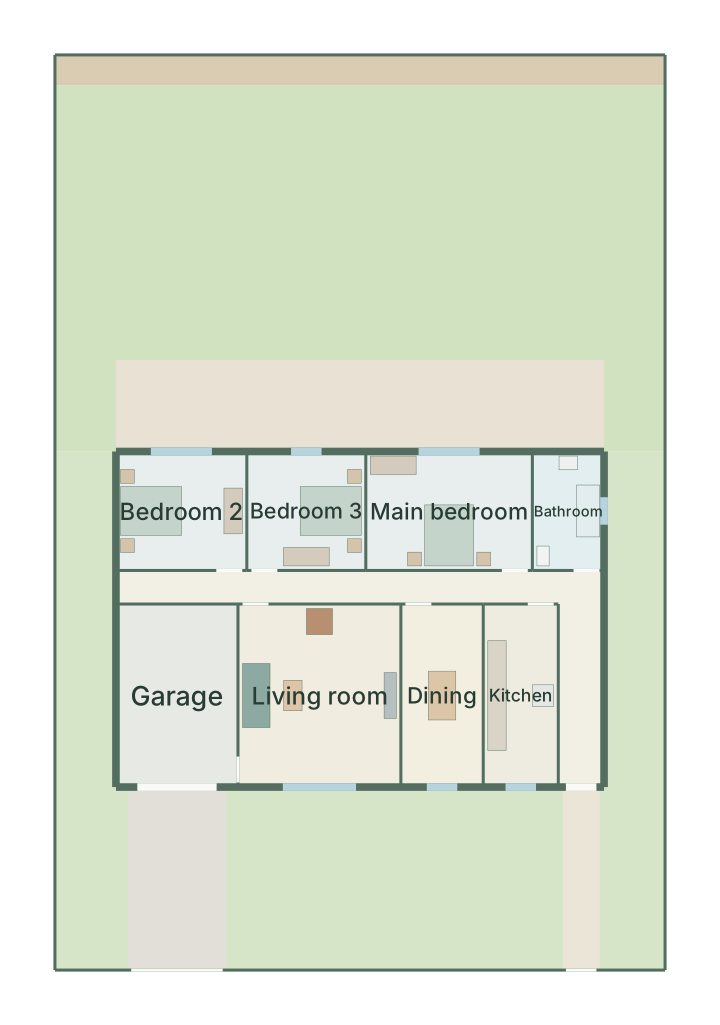
Buildable area after setbacks, whether a footprint fits, site coverage and garden depths.
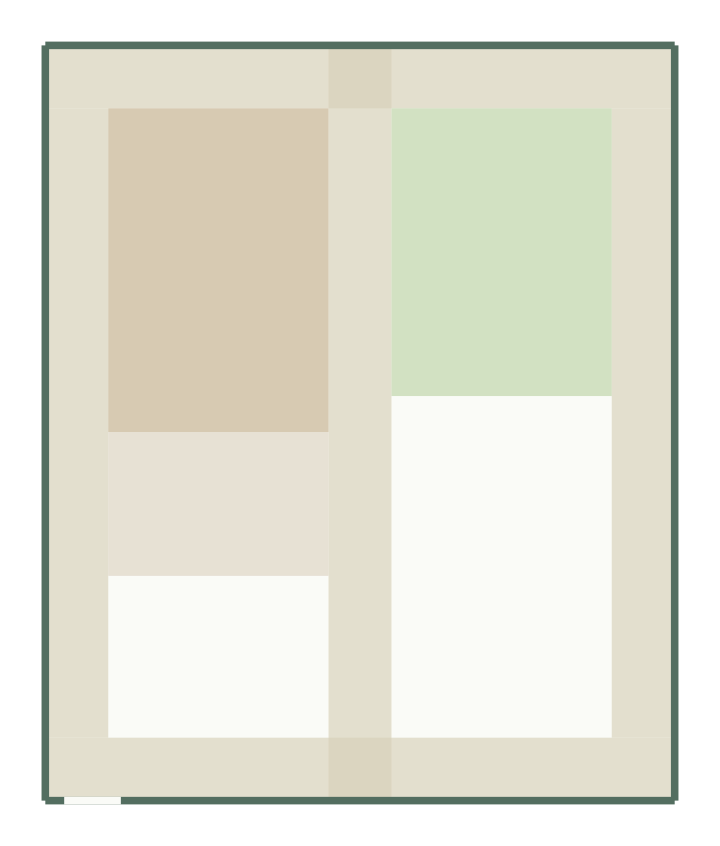
Gross area, path area and what is left for lawn, patio and beds in a rectangular garden.
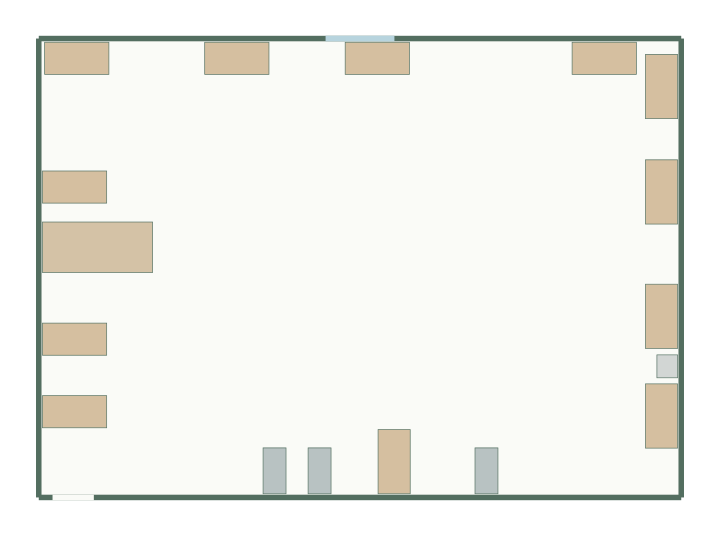
Estimate how many desk modules fit in a rectangular office, with a walkway reserved.
Each calculator uses plain rectangle arithmetic in millimetres, shows the formula it applied and repeats a worked example, so you can check the result by hand. Nothing is sent to a server: the numbers stay in your browser, and no account is needed.
The results are a first filter, not a design. They do not model doors and windows, several pieces of furniture at once, irregular shapes, wall thickness, local planning rules or occupancy limits. When a result looks promising, open it in the planner to test a real arrangement.
Every calculator links to the matching questionnaire with your dimensions filled in: rooms, houses on a plot, gardens or offices. From there GoSpace generates up to three layouts to compare, which you can edit in 2D, check in 3D and export. For worked examples, see the planning guides; to start from a finished layout, browse the templates.