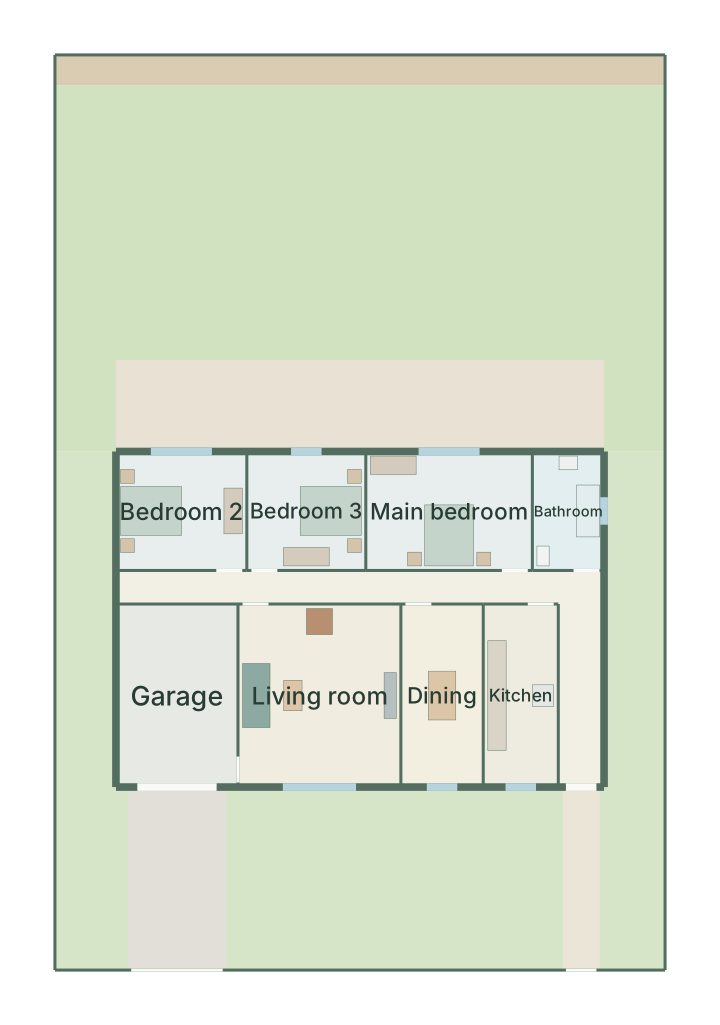
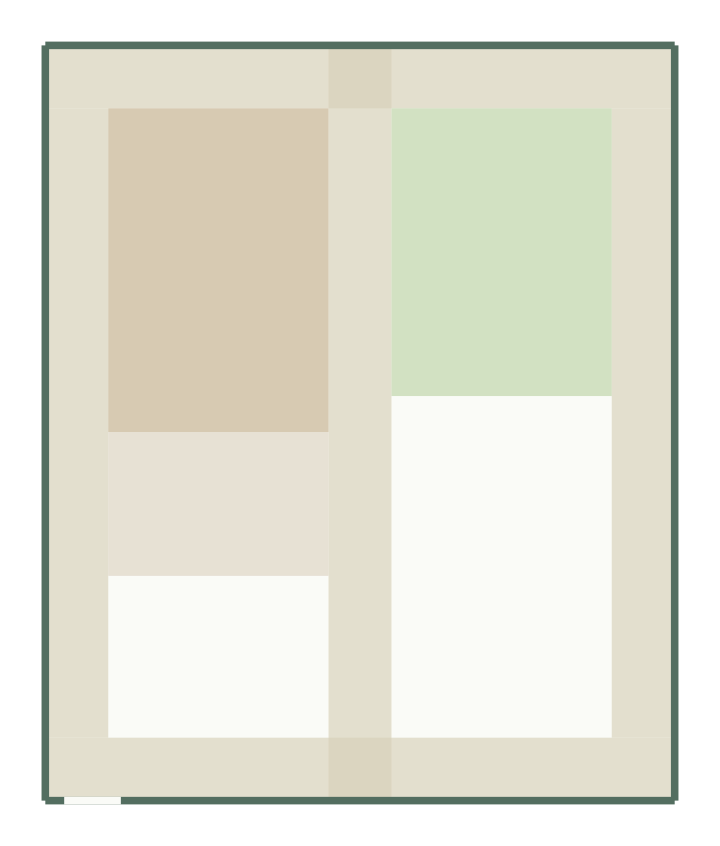
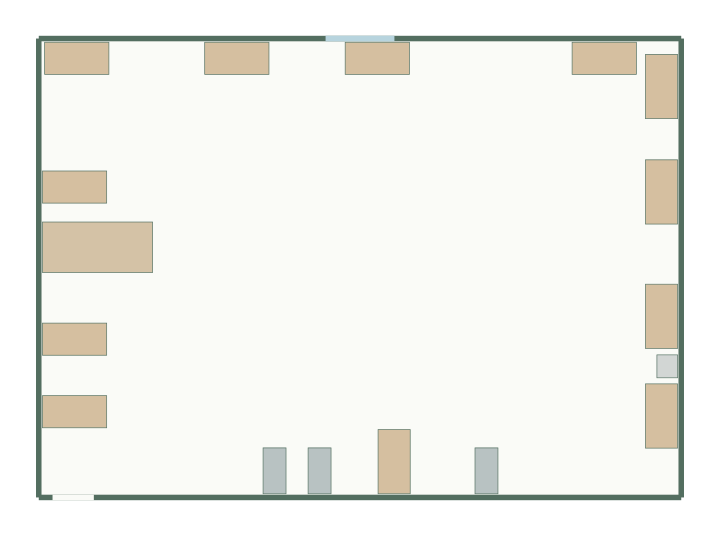
Calculate a rectangular room’s area and test one furniture item with a user-defined clearance. This is an arithmetic filter before you draw a layout. It does not account for doors, multiple items, wall thickness, irregular shapes or regulatory requirements.
Example: a 4 × 3 m room has 12 m² area and 14 m perimeter. A 1.6 × 2 m item occupies 3.2 m², or 26.7% of the floor. With 0.6 m on every side, its envelope is 2.8 × 3.2 m: it fits this empty rectangle only after a 90° rotation.
Open these room dimensions in GoSpace
Formulas and assumptions
Area = width × length. Perimeter = 2 × (width + length). Furniture coverage = furniture area ÷ room area × 100. With a clearance c on every side, the tested envelope is (furniture width + 2c) × (furniture depth + 2c). A rotated fit swaps these two envelope dimensions.
The same clearance on all four sides is a simplified assumption. Furniture against a wall or with opening doors may need an asymmetric check. “Fits” means only that the envelope fits inside an otherwise empty rectangle. It is not an access, safety or building-code assessment.
Use the result in a measured plan
Measure the inside room dimensions using the measurement checklist, then check entrances, fixed obstacles and the other furniture in the room planner. Calculations stay in your browser and do not require an account. The planner link passes room dimensions only; it does not automatically add the furniture or clearance.